


Key Takeaways
- Opening a spam email on its own is usually low risk, but clicking links or downloading attachments can compromise security.
- Tracking pixels embedded in emails can confirm that an address is active, which often leads to increased spam.
- Marking suspicious emails as spam and deleting them helps train filters and reduce future threats.
- Strong email authentication protocols, including DMARC, SPF, and DKIM, can block spam emails before they reach the inbox.
Spam emails land in millions of inboxes daily, and it’s natural to wonder: Is it safe to even open them? While curiosity might tempt you to check what’s inside, understanding the actual risks can help you make smarter decisions about your email security.
The FBI’s Internet Crime Complaint Center received 321,136 phishing and spoofing complaints in 2024, making it one of the most frequently reported internet crime categories. With over 90% of phishing attacks delivered via email, knowing when and how spam becomes dangerous is essential for protecting your organization.
Here’s what you need to know about spam email safety, and how to protect yourself without falling victim to sophisticated attacks.
Is It Safe to Open Spam Email?
Opening a spam email is usually safe, but it all depends on your actions afterward.
Modern email clients like Gmail, Outlook, and Yahoo have built-in protections that prevent malicious code from automatically executing when you open an email. These safeguards include blocking external images by default, disabling automatic downloads, and sandboxing email content.
However, the real danger starts when you interact with the email’s contents. Clicking links, downloading attachments, or replying to the sender can expose your device to malware, ransomware, or phishing schemes. The risk level also depends on your device’s security settings, whether you’re using updated software, and whether you have email security protocols in place.
What Happens If You Open a Spam Email?
Most risks from spam emails come after you’ve opened them and taken additional actions. Here’s what can happen:
Tracking pixels
Many spam emails contain invisible tracking pixels: tiny, transparent images embedded in the message. When you open the email, these pixels load from a remote server, confirming that your email address is active and monitored.
Spammers use this information to:
- Verify your email is real and in use.
- Track when and where you opened the email.
- Sell your verified address to other spammers.
- Send more targeted spam campaigns.
Once spammers know your address is active, you’ll likely see an increase in spam volume. This is why disabling automatic image loading in your email client is a smart security practice.
Malicious links & attachments
This is where the real danger lies. Spam emails often contain links to phishing websites or attachments infected with malware. These threats include:
- Malware: Software created to harm your system or access it without permission.
- Ransomware: Malicious programs that encrypt your files and demand payment for their release.
- Trojans: Programs disguised as legitimate software that steal data or create backdoors for attackers.
- Keyloggers: Tools that record everything you type, including passwords and credit card numbers.
Phishing remains the most common form of cybercrime, with billions of spam emails sent every day worldwide. Just one click on a harmful link can put your whole network at risk, especially if you’re using a work email or connected to corporate systems.
Social engineering risks
Social engineering is a tactic attackers use to trick people into sharing private information or doing something that weakens security, like clicking a malicious link or giving away login details. Instead of hacking systems directly, social engineers target human trust and behavior to gain access. Spam emails often use these strategies:
- Urgency: “Your account will be suspended in 24 hours!”
- Fear: “Suspicious activity detected on your account.”
- Authority: Emails impersonating banks, government agencies, or your IT department.
- Curiosity: “You’ve won a prize!” or “See who viewed your profile.”
AI-generated phishing emails have become highly sophisticated, making it harder to spot fake emails.
What You Should Do If You Opened a Spam Email
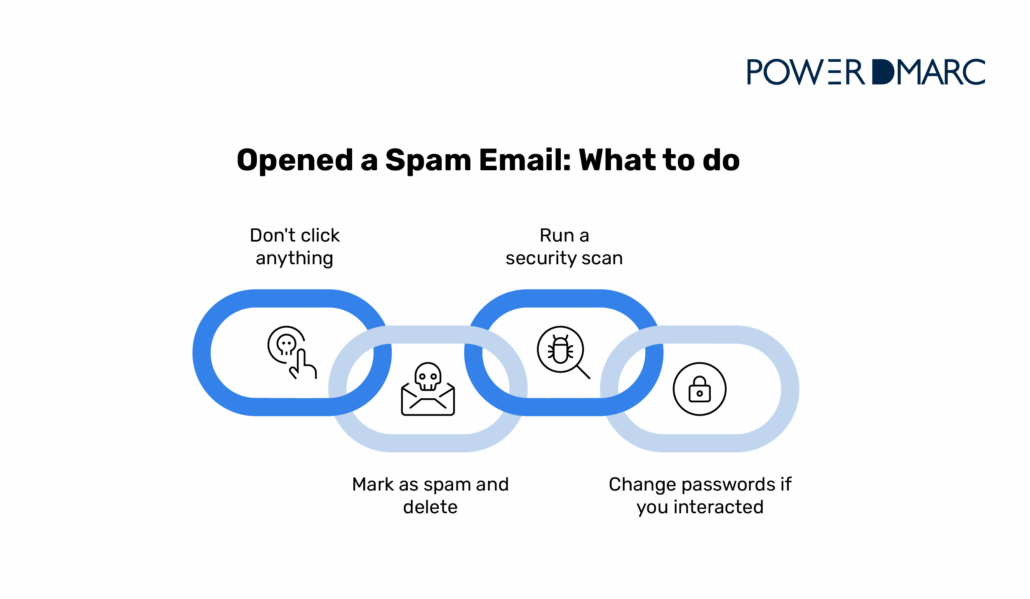

If you’ve already opened a suspicious email, don’t panic. Here’s what to do next:
Don’t click anything
The most important rule: avoid all interaction with the email’s contents. Don’t click links, don’t download attachments, and don’t reply to the sender.
Even if the email looks legitimate or claims to offer an “unsubscribe” option, clicking anything confirms your email is active and can trigger malicious code. Simply close the email and move on to the next step.
Mark as spam and delete
Use your email client’s spam or junk reporting feature. This serves two purposes:
- Trains your email filter: Your email provider uses this feedback to identify and block similar messages in the future.
- Protects other users: Many email providers share spam patterns across their networks.
After marking the email as spam, delete it from your inbox and empty your trash folder. This removes any temptation to revisit the message later.
Run a security scan
Even if you didn’t click anything, it’s smart to run a security scan using your device’s antivirus software or security tools. This will help you detect any hidden threats that might have bypassed your email client’s protections.
Most modern operating systems include built-in security features:
- Windows: Windows Security / Defender
- Mac: Built-in XProtect and Gatekeeper
- Mobile: Google Play Protect (Android) or iOS Security
Run a full system scan and wait for it to finish before logging into important accounts or typing passwords.
Change passwords if you interacted
If you clicked a link, downloaded an attachment, or entered any information, immediately change your passwords for affected accounts. Start with your email password, then move to:
- Banking and financial accounts
- Work or corporate email
- Social media accounts
- Any accounts using the same password (use unique passwords going forward)
Enable multi-factor authentication (MFA) wherever possible. This adds an extra layer of protection by requiring a second verification step (usually a code sent to your phone), even if someone obtains your password.
How to Protect Yourself from Spam Emails
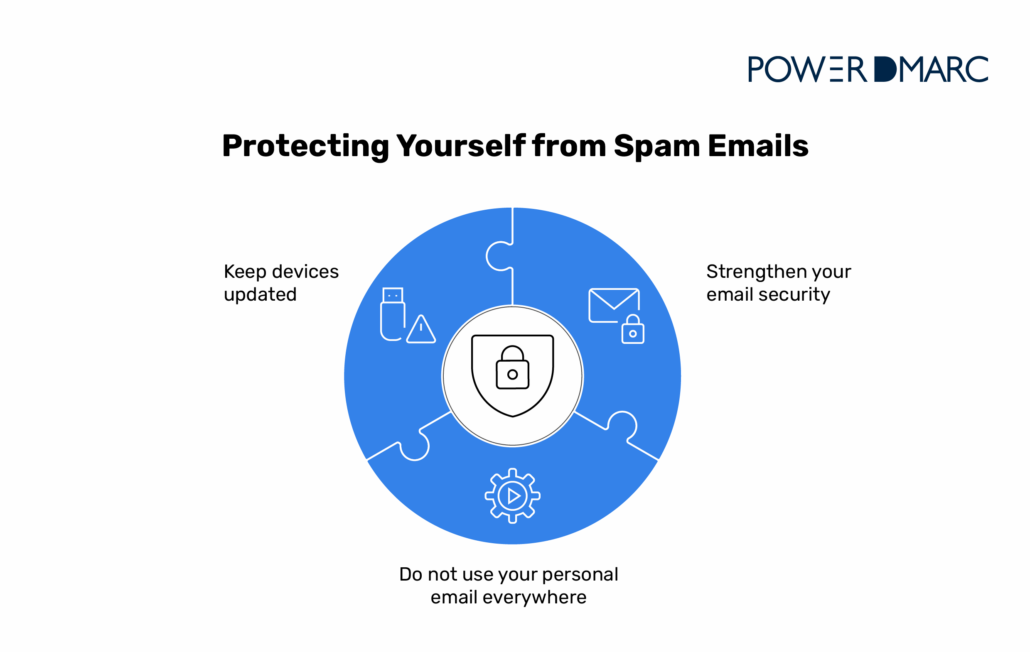

Prevention is always better than damage control. Here’s how to reduce spam and strengthen your email security:
Strengthen your email security
The most effective way to stop spam is to implement email protection tips at the domain level. Email authentication protocols verify that messages are actually from the senders they claim to be.
Organizations can save hundreds of thousands of dollars each year by using DMARC to cut down on spoofing and phishing losses. PowerDMARC’s platform combines DMARC, SPF, DKIM, monitoring, and reporting to stop spoofing and phishing before messages reach your inbox.
Key features that help stop spam:
- Automated DNS record publishing: One-click setup for proper email authentication.
- AI-powered threat intelligence: Real-time detection of phishing campaigns and spoofing attempts.
- Human-readable reports: Understand who’s sending emails using your domain.
- 24/7 expert support: Get help configuring your email security at any time.
Use spam filters and spam blockers to automatically identify and quarantine suspicious messages. Regularly review your email security settings and update filters based on new spam patterns.
Avoid using personal email everywhere
Every time you share your email address online, be it on forms, websites, or newsletters, you increase your exposure to spam. The more widely distributed your address, the more likely it is to end up on spammer lists.
Here’s how to minimize exposure:
- Use a secondary email address for online sign-ups and non-critical sites.
- Create dedicated email aliases for different purposes (shopping, subscriptions, etc.).
- Use temporary or disposable email addresses for one-time registrations.
- Be cautious about entering your email on unfamiliar websites.
If a secondary email gets flooded with spam, you can simply abandon it without affecting your primary communication channels.
Keep devices updated
Software updates often include security patches that fix vulnerabilities exploited by malicious email content. Cybercriminals actively target outdated systems because they know about existing security holes.
Make these updates a priority:
- Operating system updates (Windows, macOS, iOS, Android).
- Email client software (Outlook, Thunderbird, Apple Mail).
- Web browsers (Chrome, Firefox, Safari, Edge).
- Antivirus and security software.
Enable automatic updates whenever possible. This ensures you’re protected against the latest threats without having to manually check for patches. Most modern devices can update in the background without disrupting your work.
Learn how to stop phishing emails with comprehensive security measures that go beyond basic spam filtering. Understanding what spam email is and how attackers operate helps you recognize threats before they cause damage.
The Bottom Line
Opening a spam email by itself rarely causes harm thanks to modern email protections, but clicking links, downloading attachments, or replying can expose you to serious security threats. The best defense is a combination of smart email habits and strong authentication protocols that stop spam before it reaches your inbox.
PowerDMARC’s email authentication platform helps you stop spam emails with DMARC and other protocols, protecting your brand reputation while improving email deliverability. Check your domain’s email security health with our free tool today and take the first step toward comprehensive email protection.
Frequently Asked Questions (FAQs)
Is it safe to delete spam emails without opening them?
Yes, deleting spam emails without opening them is the safest approach and eliminates any potential risk from tracking pixels or accidental clicks.
What should I do if a spam email looks like it came from my own address?
This is called email spoofing, where attackers forge the sender address. Mark it as spam, delete it, and implement DMARC authentication to prevent others from impersonating your domain.
Why am I suddenly getting more spam emails than before?
Increased spam often means your email address was recently leaked in a data breach, shared on spam lists, or confirmed as active through tracking pixels. Consider implementing stronger email authentication and using secondary addresses for non-essential sign-ups.


- What Is BIMI? Email Trust and Brand Identity - December 26, 2025
- What Is a CAA Record? DNS Security Guide - December 24, 2025
- Is It Safe to Open Spam Emails? Risks & Safety Tips - December 16, 2025