4 Best AutoSPF Alternatives for Automatic SPF Management in 2026

by
Last Updated:
11 min read

by
Last Updated:
Key Takeaways
Today’s email authentication market is full of SPF flattening tools that help you simplify and optimize your SPF record. AutoSPF, from DuoCircle, is one of the better-known names in this space. It turns a nested SPF setup into a flat list of allowed senders, so you stay under the 10 lookup limit while improving email deliverability and cutting down the odds of a successful spoofing attempt.
AutoSPF does this well, and it removes the need for manual SPF monitoring. But like any single-purpose tool, it has limits that push some teams to look elsewhere, whether that’s a different approach to auto SPF, a lower price point, or a platform that handles SPF alongside the rest of email authentication. This guide walks through the best AutoSPF alternatives so you can find the one that gets you SPF flattening results without overpaying or overcomplicating your stack.
AutoSPF is a specific commercial product built by DuoCircle. It automatically flattens your SPF record and re-checks it on a schedule, so you don’t have to manually rebuild the record every time a vendor changes its sending IPs.
Auto SPF (or automatic SPF) is the broader practice this product belongs to: any method of keeping an SPF record compliant and under the 10-lookup ceiling without ongoing manual edits. That can mean traditional SPF flattening, where nested includes are resolved into IP addresses, or it can mean other optimization approaches like macros, which some vendors use to keep the lookup count low without expanding every sender into a raw IP list.
In other words, AutoSPF is one brand’s take on automatic SPF flattening (the phrase is actually AutoSPF’s own tagline). The tools compared in this article all aim to solve the same underlying problem in different ways. If you want the mechanics of how flattening actually works, our guide on SPF flattening and our primer on what SPF is go deeper into that.
AutoSPF can help simplify SPF management, but teams often start looking at alternatives when their setup gets more complex or when SPF changes need tighter control. It’s also worth knowing upfront that AutoSPF is a product of DuoCircle, an email security company that has run the service since 2019. So if you’re comparing vendors, you may come across both the DuoCircle brand and the AutoSPF product name and wonder how they relate. That’s the relationship: AutoSPF is DuoCircle’s product, not a separate company.
The most common reasons teams look at alternatives include:
Shortlist tools using these criteria:
Here’s a quick comparison of the four most commonly evaluated alternatives:
| Tool | Best for | Standout features |
|---|---|---|
| PowerDMARC (Hosted SPF / PowerSPF) | Teams that want SPF optimization plus a broader email-auth management stack | Hosted SPF management; positioned around managed authentication (DMARC, DKIM, MTA-STS, TLS-RPT, BIMI) and threat intelligence capabilities |
| MxToolbox (Delivery Center Plus) | Teams that want SPF flattening inside a broader deliverability and DNS toolkit | SPF Flattening is explicitly bundled with Delivery Center Plus; wider diagnostic tooling |
| DMARCLY (Safe SPF) | Teams that want SPF flattening inside a broader deliverability and DNS toolkit | SPF Flattening is explicitly bundled with Delivery Center Plus; wider diagnostic tooling |
| Fraudmarc (Universal SPF) | Teams that want a lightweight SPF optimization option with straightforward per-domain pricing | Universal SPF with automatic updates and dynamic flattening positioning |
For exact pricing on each plan, see the AutoSPF pricing comparison further down. Now, let’s break down each alternative in detail, starting with PowerDMARC Hosted SPF, the option that combines SPF optimization with a broader set of managed email authentication capabilities.
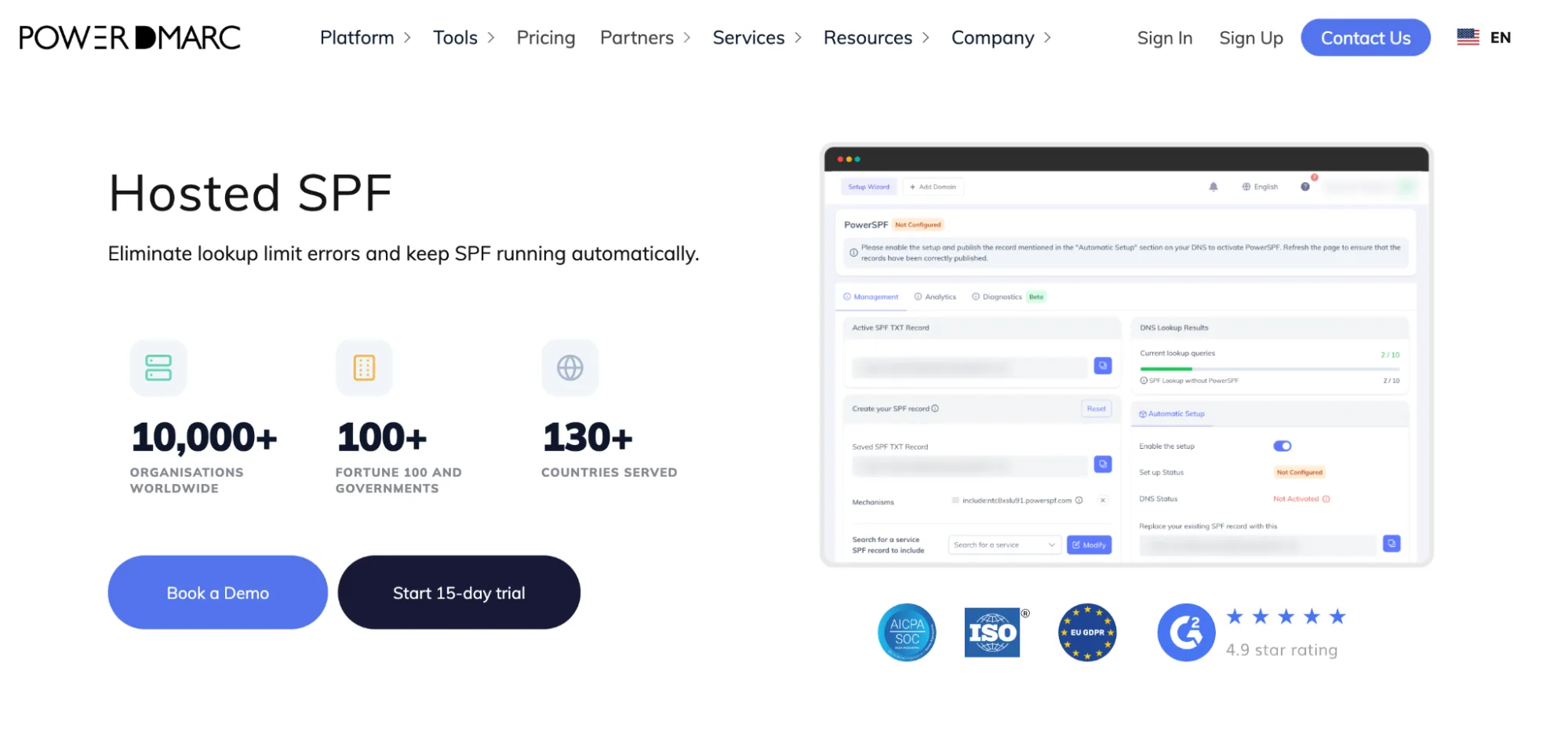
PowerDMARC is an email authentication platform, and PowerSPF is its Hosted SPF service for managing and optimizing SPF records so they stay compliant and stable as your sending stack changes.
A key advantage is the hosted-services approach: instead of repeatedly editing complex SPF TXT records by hand, you can use PowerSPF to optimize and maintain SPF so it stays under the 10 DNS lookup limit and avoids common SPF failure modes, like permerror.
Both simple and complex SPF setups (many sending tools and vendors) and teams that want a managed SPF workflow to reduce lookup-limit failures and ongoing manual SPF maintenance.
Hosted SPF is included in PowerDMARC’s 15-day free trial, on Basic as an add-on, and on all Enterprise and Custom plans. Sign up to get started today.
If your SPF pain isn’t just flattening, but ongoing stability as vendors change and senders multiply, PowerSPF is positioned as a managed approach to keep SPF valid and reduce SPF-related authentication failures over time.

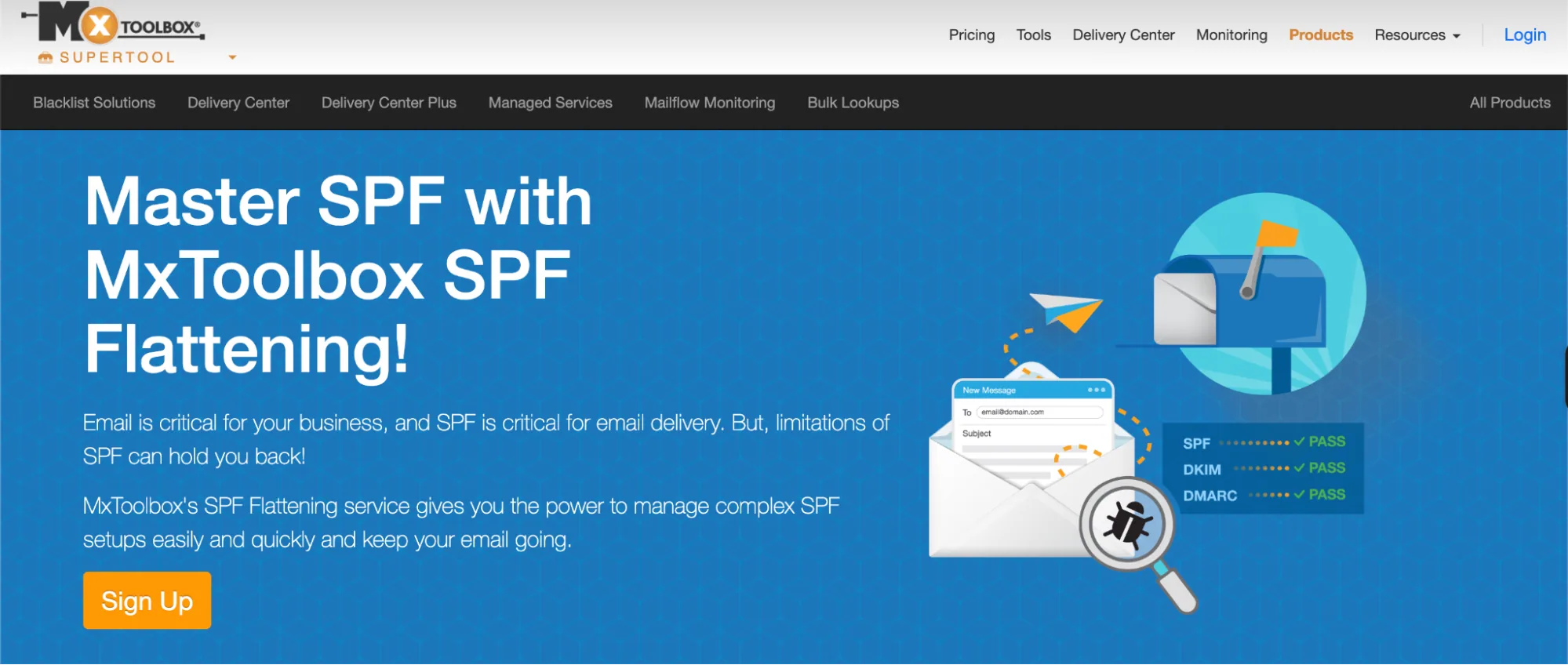
MxToolbox is an email deliverability and DNS monitoring platform. Its SPF Flattening capability is included as part of Delivery Center Plus, and it’s built for teams that want a structured way to manage long, complex SPF records without constantly wrestling with lookup-limit failures.
Unlike macros-based automatic SPF optimization, MxToolbox’s approach here is traditional SPF flattening: it reconstructs your SPF record to help you stay under the 10 DNS lookup limit and reduce SPF-related delivery issues.
Teams that want SPF flattening plus a wider deliverability and DNS monitoring toolkit, and are fine using flattening rather than macros.
If your SPF pain is broader than SPF alone, and you also need ongoing deliverability diagnostics, DNS monitoring, and troubleshooting workflows in the same place, MxToolbox is positioned as a platform-style option. Its SPF Flattening feature, bundled into Delivery Center Plus, is a practical fit when you want traditional flattening plus a wider toolset around it, rather than an SPF-only optimizer.
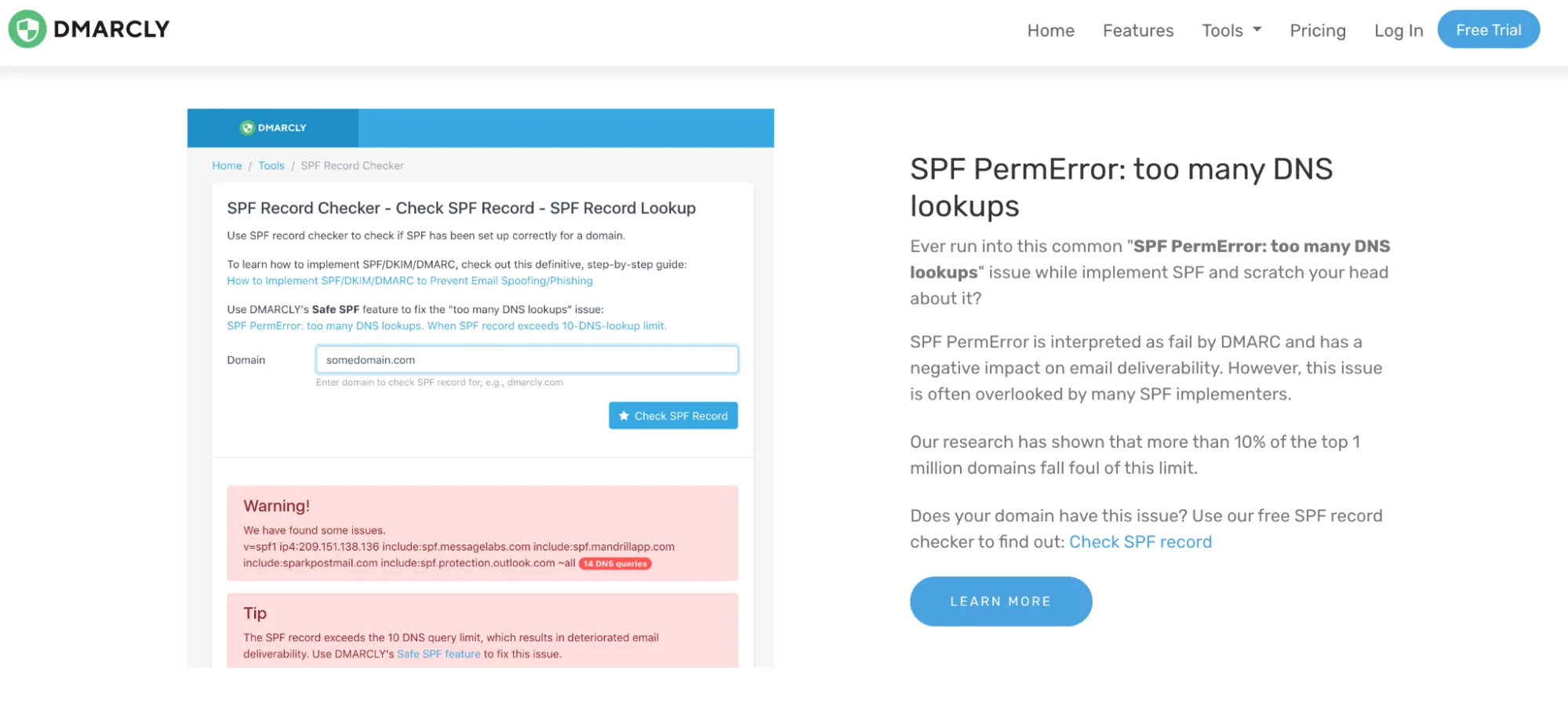
DMARCLY is an email authentication platform positioned for teams that want simple, guided setup without deep technical overhead. Safe SPF is its SPF optimization feature, built around automatic SPF flattening with minimal ongoing management.
The focus here is usability. DMARCLY abstracts most of the mechanics behind SPF flattening so teams can stay within SPF evaluation limits without manually rebuilding records every time a sender changes.
Small teams or first-time SPF implementers who want a low-friction, easy-to-use SPF solution without advanced configuration or custom optimization methods.
If your SPF pain is mainly simplicity and low maintenance, and you want SPF flattening that’s easy to set up and doesn’t require deep SPF expertise, DMARCLY Safe SPF is positioned as a beginner-friendly alternative. It’s a good fit when your priority is minimizing manual SPF work while keeping SPF evaluation failures under control in everyday use.
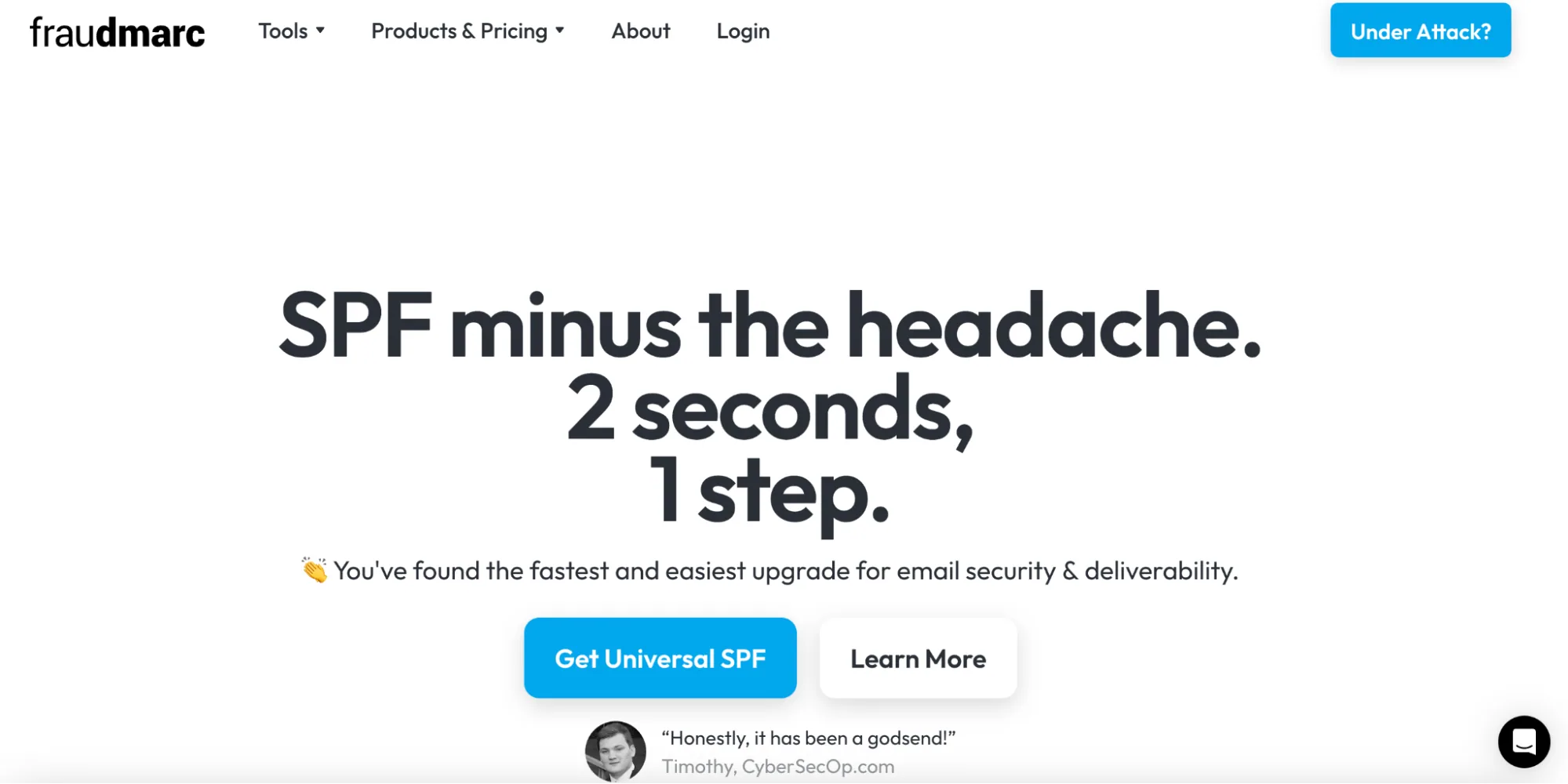
Fraudmarc is primarily positioned around fraud prevention and DMARC analysis, with Universal SPF offered as an SPF optimization service for teams that want a simple, low-touch setup. The product is designed to reduce SPF maintenance effort through dynamic SPF flattening and automatic updates, without requiring deep configuration.
Universal SPF is commonly evaluated by small teams that want SPF optimization to just work, especially when their sender landscape is relatively stable and not highly complex.
Small businesses that want an economical, straightforward automatic SPF option without advanced configuration or enterprise-level controls.
Fraudmarc Universal SPF is a reasonable choice when traditional flattening is sufficient and you don’t need advanced SPF optimization methods or a deeply integrated email authentication platform.
AutoSPF itself runs three tiers:
Additional domains can be added for $10-$20/month each, depending on the tier, and every plan comes with a 30-day free trial with no credit card required. Manually flattening a record through the AutoSPF interface is free; the paid tiers cover the hosted, automatically updating version.
Here’s what that looks like next to the four alternatives:
| Tool | Starting price | What you get |
|---|---|---|
| AutoSPF (Plus) | $37/month | Hosted, automatically updating flattened SPF for 1 domain |
| PowerDMARC (Hosted SPF) | 15-day free trial, plans from $8/month with the option to add hosted SPF as an add-on | Hosted SPF can be added as an add-on with an extra fee as part of a broader DMARC, DKIM, MTA-STS, and BIMI platform. SPF analytics available on enterprise tiers |
| MxToolbox (Delivery Centre Plus) | $399/month | SPF Flattening plus deliverability diagnostics for up to 5 domains |
| DMARCLY (Safe SPF) | $39.99/month (Growth plan) | Safe SPF on 1 domain, plus DMARC and BIMI monitoring for up to 8 domains |
| Fraudmarc (Universal SPF) | $21/domain/month | Dynamic SPF flattening with automatic vendor IP updates, billed annually |
A note on DMARCLY: its cheapest advertised plan is $17.99/month, but that tier doesn’t include Safe SPF at all. If SPF flattening is the feature you’re paying for, $39.99/month is the real starting point to budget against.
For an even wider view of how these and other vendors stack up on cost, our pricing page breaks down PowerDMARC’s own plans in more detail.
PowerDMARC is best positioned as an AutoSPF replacement when your SPF problem isn’t just “make the record shorter,” but keeping SPF stable over time as your sender stack changes. With Hosted SPF (PowerSPF), the goal is to reduce lookup-limit failures and SPF breakage risk through a managed optimization approach, so you’re not constantly rebuilding SPF by hand every time a vendor changes.
It’s also a better fit when SPF is only one part of your email authentication program, and you want SPF optimization to sit alongside broader authentication management in the same ecosystem.
To maintain the health of your domain’s SPF record, choose a vendor that caters to SPF best practices across the board. Make sure every authorized source and IP range you actually use is included in your record, so receiving servers can authenticate them without friction. That alone reduces spam classification and improves your email’s deliverability.
From there, pair SPF with DKIM and DMARC. Together, these three protocols form the strongest practical defense against email spoofing and phishing attacks available today.
What are the best alternatives to AutoSPF?
PowerDMARC Hosted SPF (PowerSPF), MxToolbox (Delivery Center Plus SPF Flattening), DMARCLY Safe SPF, and Fraudmarc Universal SPF are commonly evaluated alternatives, depending on whether you want managed SPF services or simple SPF flattening.
Why do teams look for alternatives to AutoSPF?
Teams usually look for alternatives when they need better long-term SPF stability, broader email authentication capabilities (DMARC, DKIM, MTA-STS, BIMI), clearer pricing at scale, or simpler day-to-day SPF maintenance.
What is the difference between SPF flattening and other SPF optimization approaches?
SPF flattening expands include mechanisms into IP addresses to reduce lookup failures. Other approaches, such as hosted or macros-based SPF optimization, are designed to keep SPF compliant while reducing ongoing manual updates and operational risk.
Which AutoSPF alternative is easiest for beginners?
PowerDMARC’s Hosted SPF is often chosen by beginners because it offers an easy zero-touch setup, automatic updates, and a simple interface with minimal SPF expertise required.
How much do AutoSPF alternatives cost?
Pricing varies by tool. AutoSPF starts around $37/month for one domain. PowerDMARC offers a 15-day free trial, with Hosted SPF available as an add-on on the Basic plan that starts at just $8. MxToolbox SPF Flattening is included in Delivery Center Plus at $399/month. DMARCLY’s cheapest plan is $17.99/month, but Safe SPF itself starts at $39.99/month. Fraudmarc Universal SPF starts at $21 per domain per month, billed annually.
How do I migrate from AutoSPF to another SPF optimization tool?
Migration usually involves copying your existing SPF record, importing it into the new tool, validating the generated SPF output, and then updating your DNS SPF TXT record. Most vendors provide guided setup to help avoid SPF errors during the switch.
What is auto SPF?
Auto SPF, or automatic SPF, is the practice of keeping an SPF record compliant with the 10-lookup limit without manual edits, usually through flattening or macros. It’s a general term for the category, not one specific product.
What is automatic SPF flattening, and do I need it?
Automatic SPF flattening resolves nested SPF includes into IP addresses on an ongoing, automated basis, so the record stays under the lookup limit even as vendors change their sending infrastructure. You likely need it if you use more than a couple of third-party senders (marketing platforms, helpdesks, CRMs) and don’t want to manually rebuild your SPF record every time one of them changes IPs.
Is AutoSPF free?
Not the automated, hosted version. AutoSPF’s manual flattening tool can be used at no cost to generate a flattened record you copy into your own DNS, but the automatically updating, hosted service that re-checks and re-flattens your record runs $37/month and up.









 Gmail Verified vs Google Verified: What’s the Difference?